Two releases have gone out since our last update. The change we're happiest about is the Archive: a reader who likes one of your articles can now find everything else you've written. There's also an About tab, highlighting for 65 code languages, and analytics for the period you pick.
For writers
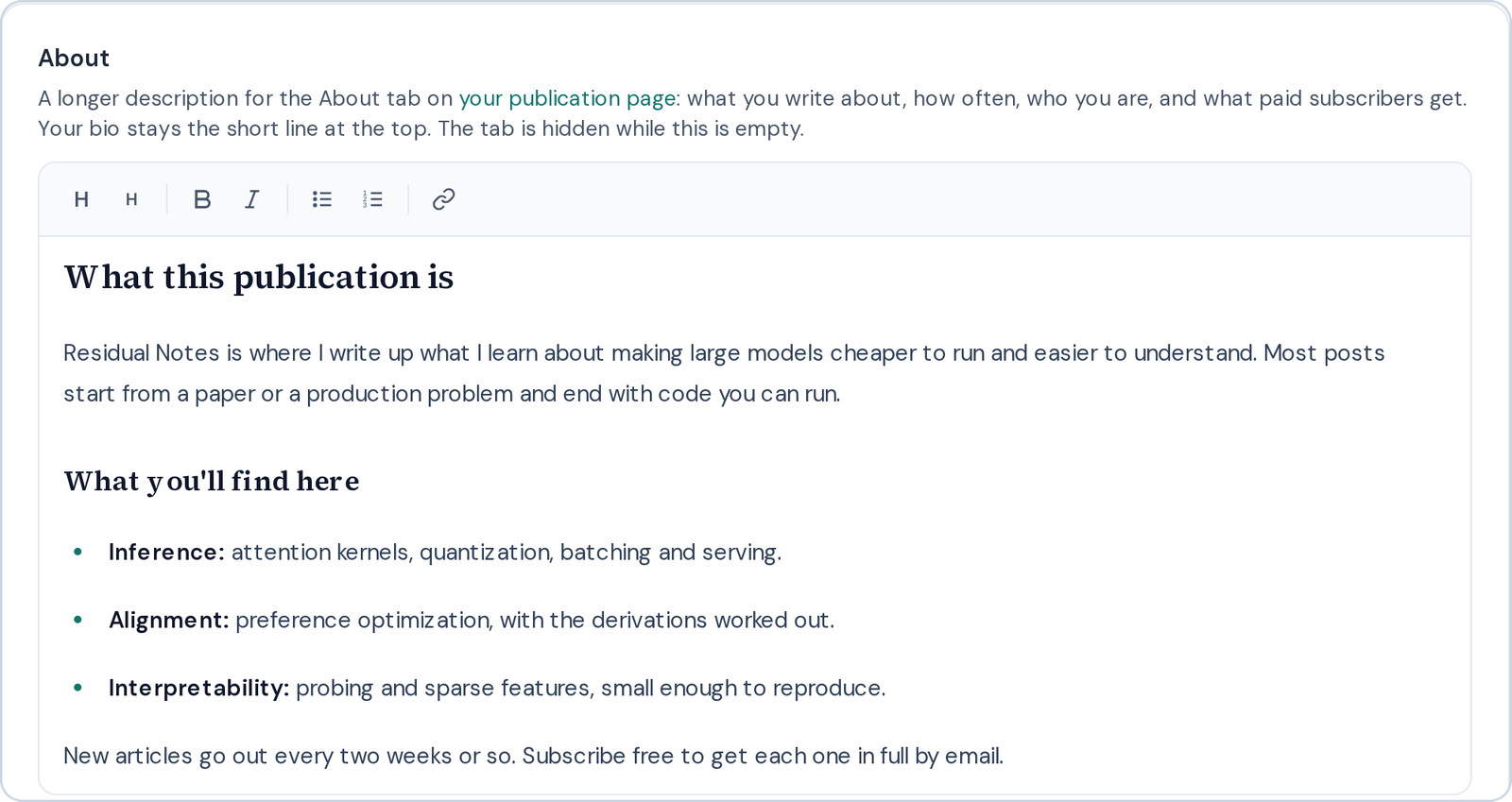
Your publication page, now with Archive and About
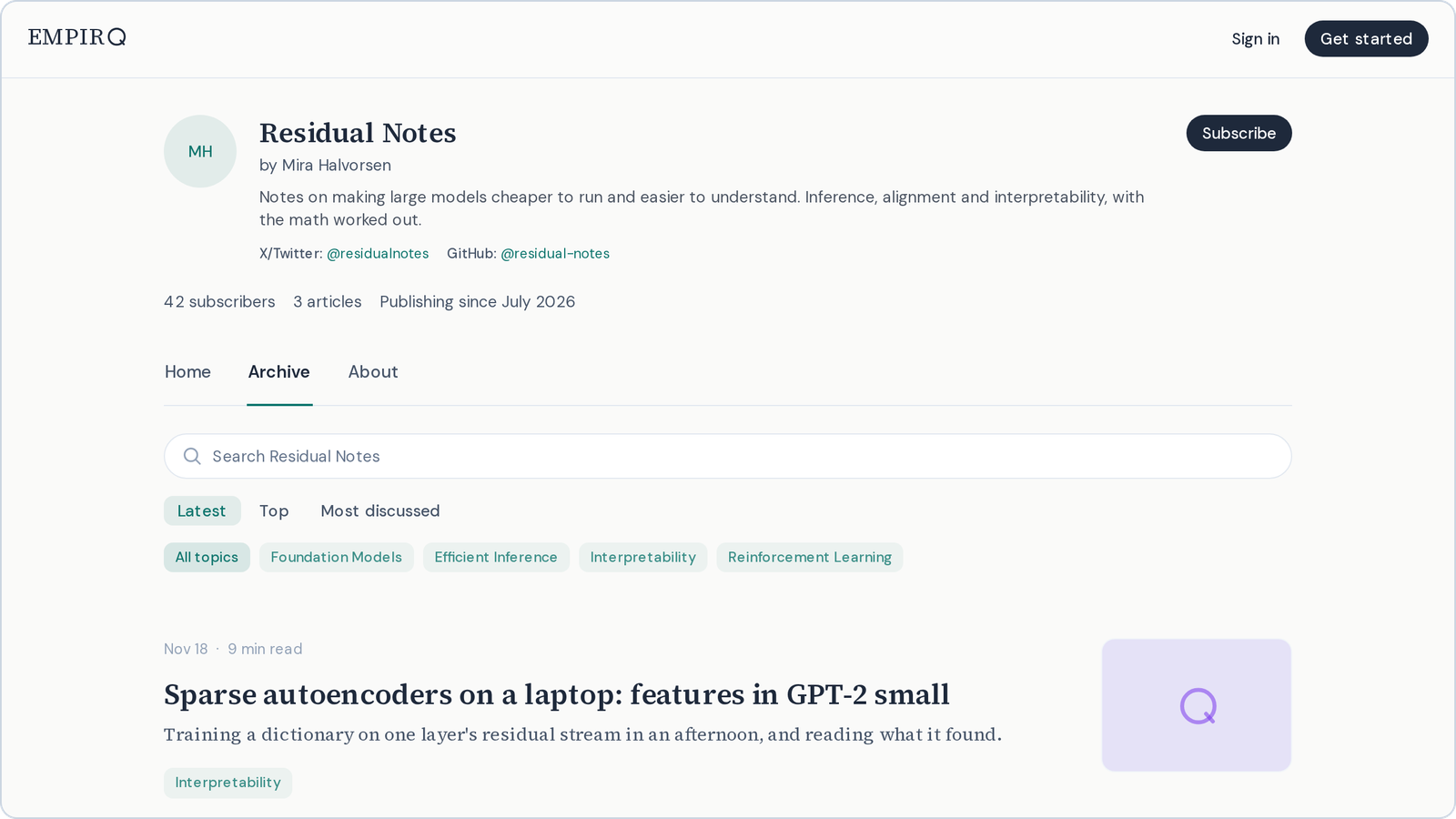
Your publication page now has an Archive tab alongside Home, with an About tab you can add when you're ready.
Archive lists everything you've published. Readers can search within your publication, sort by Latest, Top or Most discussed, and filter by the subfields you write in.
About is where the longer story goes. Say what you cover, how often you publish and what readers can expect, then tell them about yourself and what a paid subscription includes. You can use headings, lists and links. Your one-line bio stays where it is, at the top of the page.
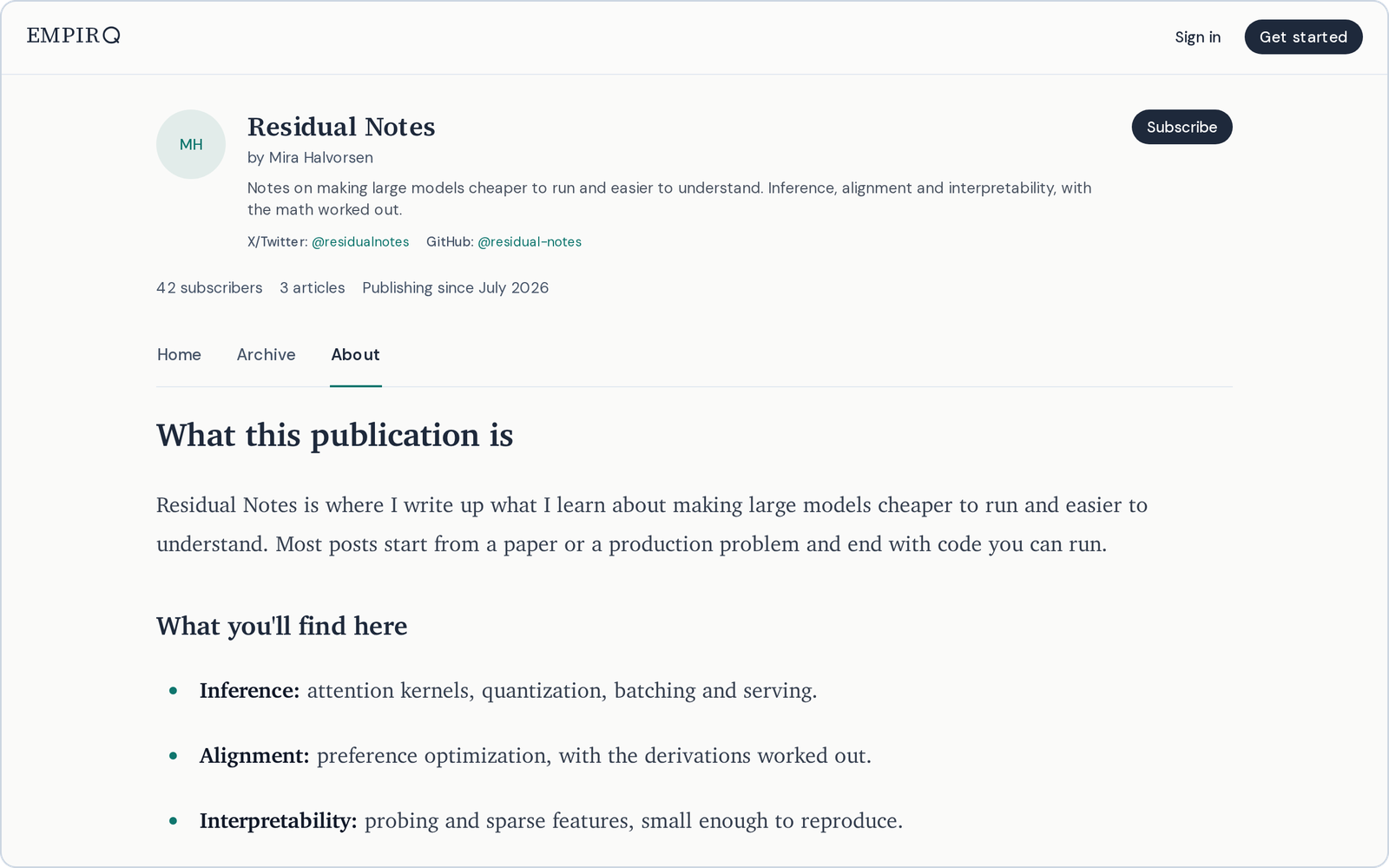
Write yours under Settings → Publication → About. The tab stays hidden until you've written something, so nothing changes for readers until you're ready.
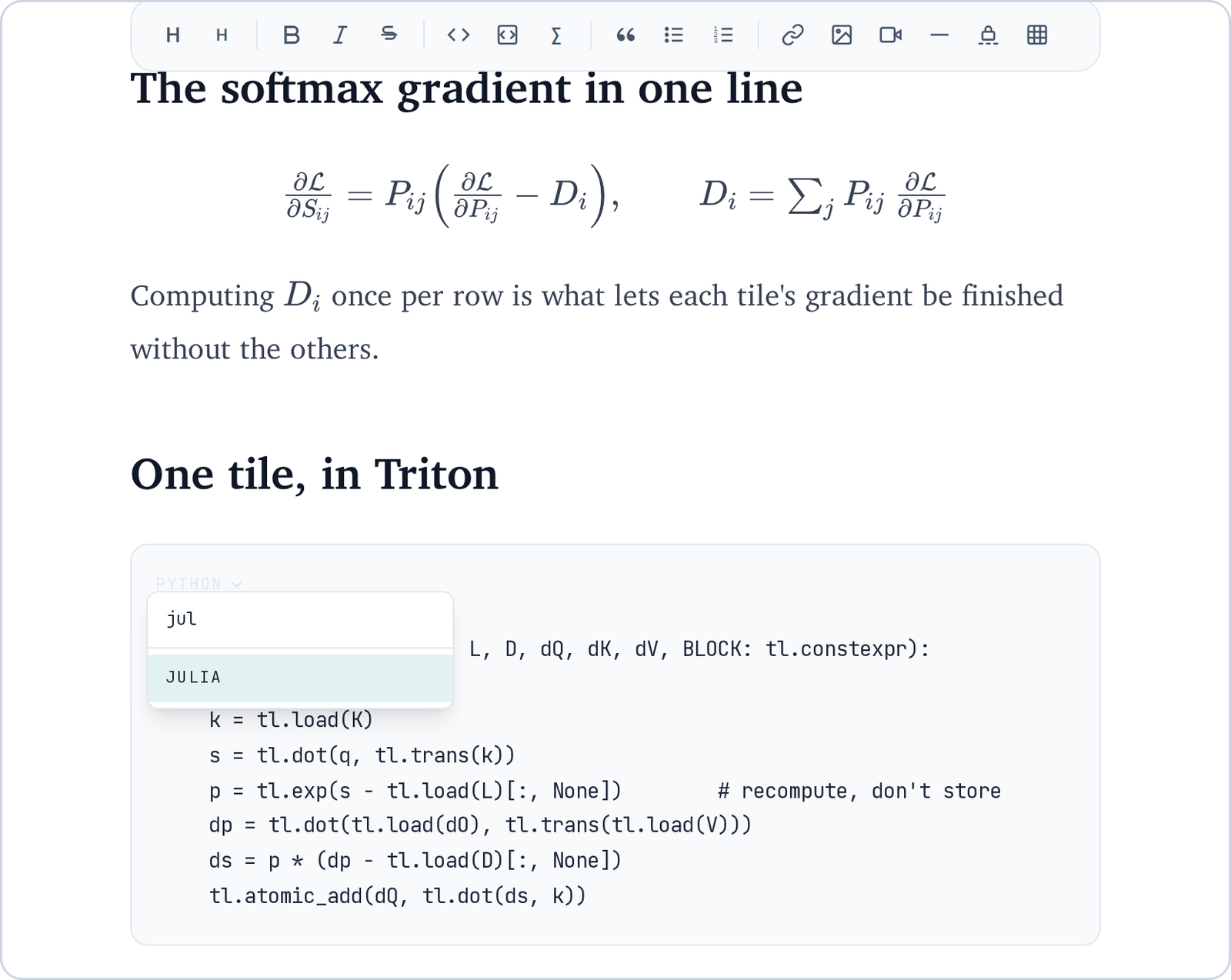
Code in 65 languages
Code blocks now highlight 65 languages, from Python, Rust, TypeScript and Julia to Dockerfiles, YAML and shell. The language picker has a search box: type the first few letters to find a language.
Syntax highlighting carries through from the editor to your published article and newsletter. If you paste Markdown, common language abbreviations work too: a code block labeled jl, for example, is recognized as Julia.
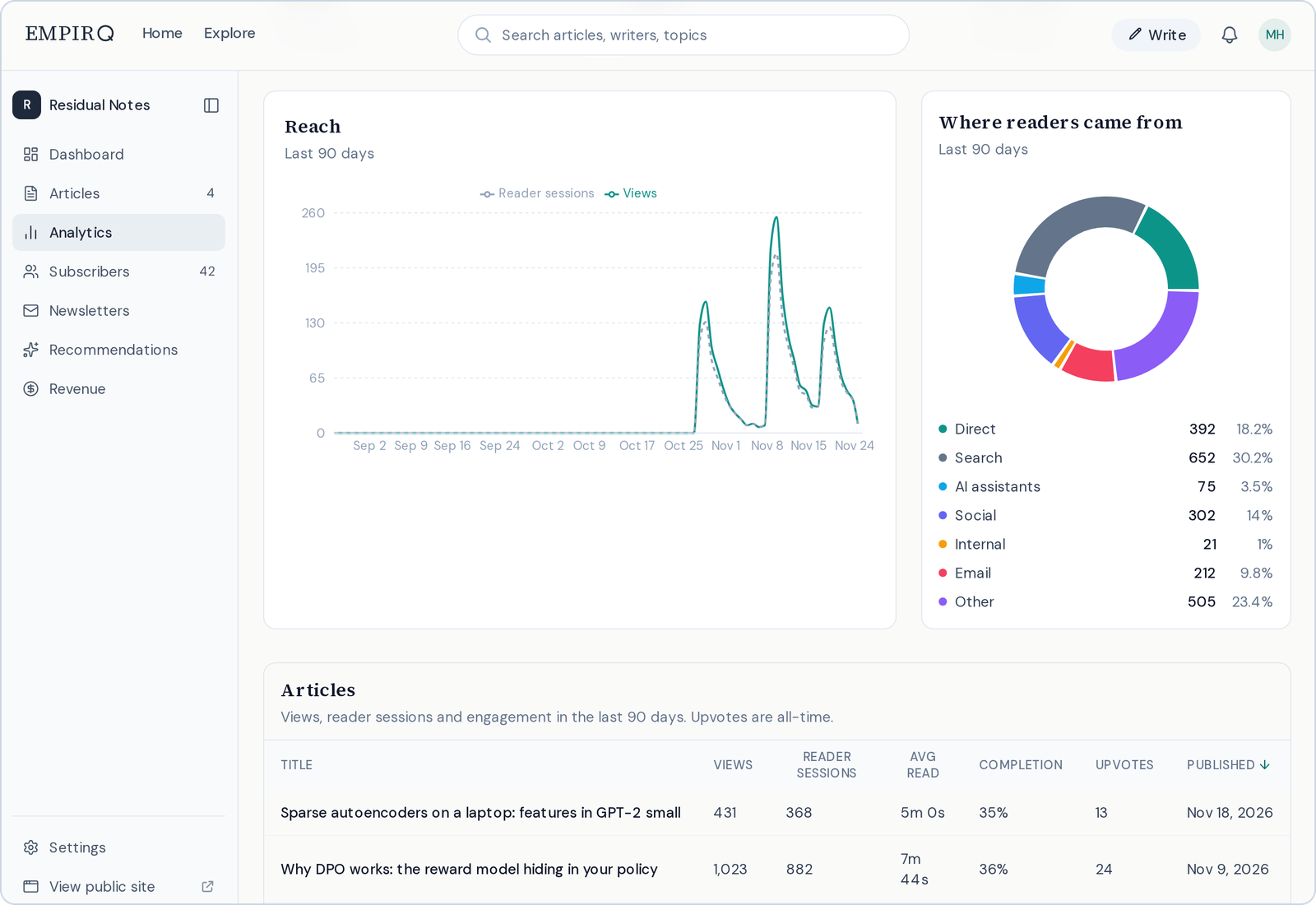
Analytics for the period you choose
On Dashboard → Analytics, choose the last 7, 30, 60, 90 or 180 days, the last 12 months, or all time. You can also select past calendar years in which your publication was active. The Articles table now follows your selection.
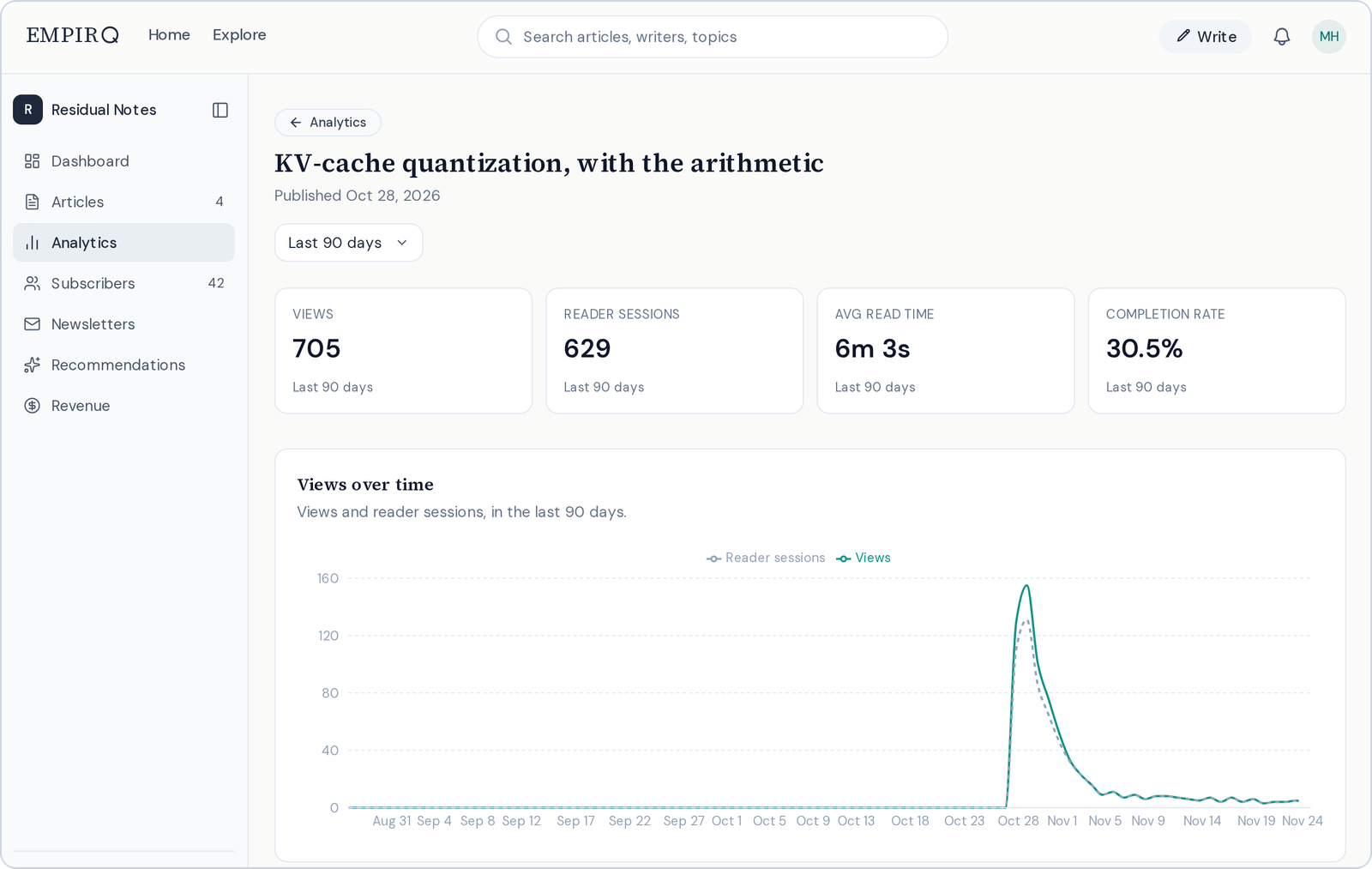
Click an article in the table for a closer look. Its Analytics page keeps the period you picked, so you can see its views, reading time, scroll depth, where readers came from and which campaigns brought them, without setting the dates again.
Clearer readership data
Your own visits no longer count. Checking your own article doesn't add to its views or reading time.
Idle time stops counting. After three minutes without activity, reading-time tracking pauses.
See traffic from your newsletter. Links in the newsletters Empirq sends for you now include source tags, so you can see newsletter traffic in an article's Campaigns section.
Find articles by when you published them
On Dashboard → Articles, you can now filter by publication date: the last 7, 30, 60, 90 or 180 days, the last 12 months, or all time.
Smaller fixes in the editor and emails
Reopening a draft from the Dashboard could sometimes show an empty editor. It doesn't any more.
New article no longer leaves an empty "Untitled" draft behind if you close it without typing.
An email address at the end of a sentence no longer pulls the full stop into the link.
If Preview can't open, you see a short message in the page, not a browser pop-up.
Every email from Empirq now shares one design, with consistent links, buttons and spacing.
For readers
Old links keep working after renames
When a writer renames an article or their publication, the old address now sends you to the new one, permanently. Links to the old address keep working, and the redirect tells search engines where to find the page.
Faster pages
Empirq's Pick, the article we highlight on Explore and the feed, shows its cover sooner, especially on phones. Article fonts are also cached in your browser after the first visit, so later pages load faster.
A homepage that shows the product
Our homepage now gives you a closer look at the editor, newsletters, SEO settings and analytics. The pages for writers and for readers have been rewritten to say plainly what Empirq does.
What's next
Next on our list: line numbers, file names and highlighted lines for code blocks. We'll post here when they're out.
You'll find these posts under What's new in the footer. Subscribe to On Empirq to get them by email.
If something isn't working as you'd expect, let us know at [email protected]. We read every message.
Thanks for writing here, and for reading.
The Empirq Team